
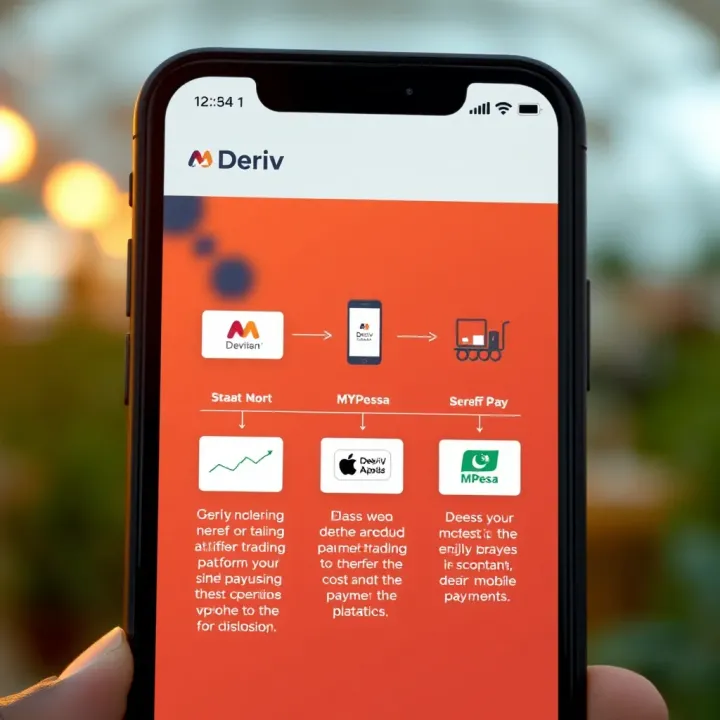
Understanding Deriv MPesa for Kenyan Users
Learn how Deriv MPesa works in Kenya 🇰🇪, combining trading with mobile payments 📱. Get tips on setup, security 🔒, and common issues solved.
Edited By
Benjamin Foster
For traders, investors, and portfolio managers in Kenya, combining PayPal and M-Pesa opens up wider opportunities for smooth online transactions. These platforms serve different but complementary roles: PayPal facilitates international payments and receipts, while M-Pesa dominates local mobile money transfers. Yet, many find linking the two somewhat confusing without clear guidance.
This guide sheds light on practical steps to log into your PayPal account in Kenya and integrate it with your M-Pesa wallet. We focus on helping you achieve straightforward handling of funds, whether paying for goods on international platforms or cashing out from PayPal to your M-Pesa balance.
Understanding the process is essential because officially, PayPal does not yet allow direct linking of an M-Pesa account as a payment method inside its system. Instead, you rely on third-party services or local Kenyan payment providers acting as intermediaries. For example, platforms like Selcom or BitPesa assist in converting PayPal funds into M-Pesa money and vice versa, but they come with fees and transfer limits.
Logging into PayPal: Access your account via the official PayPal mobile app or website using your registered email and password.
Linking Payment Methods: While you cannot directly add M-Pesa in PayPal, you can register your local Kenyan debit card (like one from Equity Bank or KCB) linked to M-Pesa for transactions.
Transferring Money: Withdraw funds from PayPal to your local bank account, then transfer to M-Pesa. Alternatively, use verified platforms that convert PayPal money to M-Pesa cash.
Keeping your accounts secure is key. Always ensure you use official apps, avoid sharing passwords, and enable two-factor authentication for PayPal.
Navigating the combination of PayPal and M-Pesa requires a clear grasp of both systems and local Kenyan regulations. This introduction sets the stage for a deeper look at login procedures, available linking options, costs, limits, and safety practices tailored specifically for Kenyan financial operators and digital traders.
The link between PayPal and M-Pesa is key for Kenyan traders, investors and others who frequently engage in cross-border transactions. Being clear on how these platforms interact helps you manage payments efficiently, avoiding delays and unnecessary fees. If you often receive payments from overseas clients or pay for services abroad, understanding this relationship can improve your cash flow and reduce hassles.
PayPal has gained popularity in Kenya mainly because it supports online business, freelancing, and international e-commerce. It provides a convenient platform to receive and send money globally. For instance, Kenyan freelancers on platforms like Upwork rely heavily on PayPal for payouts, which offers a secure alternative to traditional banking especially when dealing with USD or euros. Although it faces some limitations within Kenya – such as users not being able to withdraw directly to local bank accounts – many Kenyans use PayPal as a bridge to international markets.
M-Pesa remains the backbone of digital money transactions in Kenya. Its reach extends to rural and urban areas alike, offering instant money transfers, bill payments, and merchant payments through mobile phones. For traders and investors, M-Pesa provides a quick, accessible way to handle daily financial transactions without walking into banks. Its integration with various financial services underlines its position as Kenya’s leading mobile money platform. For example, small-scale exporters might receive payment from local buyers through M-Pesa while managing international payments through PayPal.
Connecting PayPal with M-Pesa allows Kenyan users to bridge local and international payment systems, though not directly at present. Usually, this means withdrawing PayPal funds via linked bank accounts or third-party services that transfer money into your M-Pesa wallet. This arrangement helps bypass some banking hurdles, allowing freelancers and traders access to their money faster and with more flexibility. For instance, a seller on an international marketplace can receive payment via PayPal, withdraw to their linked bank account, and then use M-Pesa for local transactions, including paying suppliers or transporting goods.
Understanding this synergy equips you to use both platforms effectively, reducing transaction delays and optimising your financial operations across borders.
In short, grasping how PayPal and M-Pesa complement each other gives you an edge in managing online payments and cash flow in Kenya’s dynamic trading environment.
Logging into PayPal is the first step for any Kenyan wanting to send or receive money through the platform and link it with M-Pesa. This section outlines clear steps to access your account smoothly, helping traders, investors, and financial professionals manage transactions efficiently without delays. Understanding the login process is vital because PayPal’s security protocols are strict, especially when accessed outside its main markets.
Access to PayPal in Kenya can be done using the official website or the mobile app, which is available on both Android and iOS devices. The website is best for desktop users, while the app suits those who prefer managing payments on the go. Note that internet connectivity quality can influence the experience, so a stable mobile network or Wi-Fi is recommended.
When opening the PayPal site or app, make sure it’s the official domain or app from trusted stores to avoid phishing sites. For instance, users have reported fake apps posing as PayPal, which can compromise login data.
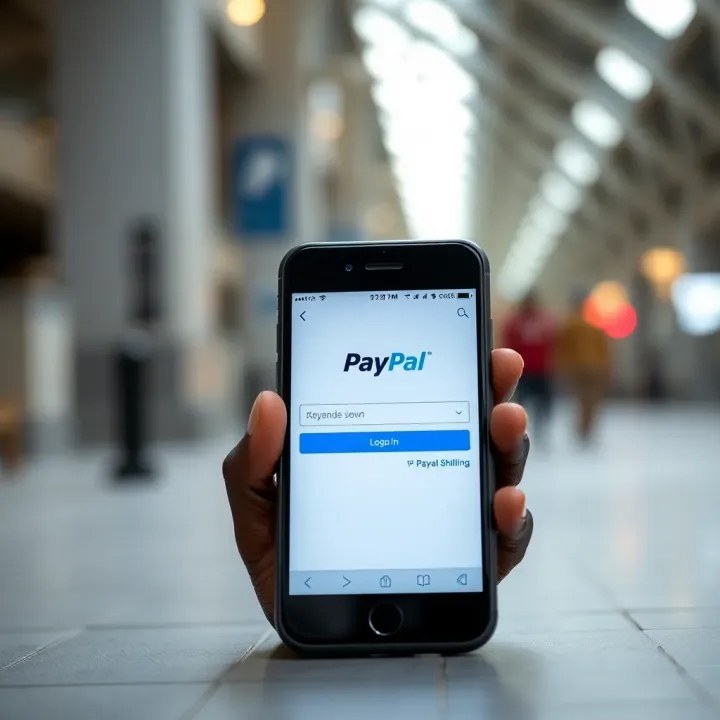
To create an account, you need a valid email address, a phone number, and identification documents such as a national ID or passport if you want to verify your account later. Logging in requires your registered email and password. If you include two-factor authentication (2FA), you will also need your phone or email access for the security code.
For Kenyan users, linking a bank account or debit card is optional for login but necessary for fund movements. Although linking M-Pesa directly is complex, having linked payment methods eases verifying your identity when you login.
Some issues Kenyans face include forgotten passwords, blocked accounts due to multiple failed attempts, and PayPal asking for identity verification beyond Kenya’s borders. Also, PayPal might flag Kenya as a high-risk country due to fraud concerns, causing added verification steps.
If you encounter login problems, use the "Forgot Password" option to reset via your registered email. Clear your browser’s cache or update the app to fix loading issues. If PayPal requests unexpected documents, respond quickly by uploading clear photos of your ID or utility bill.
Remember, PayPal may temporarily block access if suspicious activity is detected, so always check that you are logging in from familiar devices and locations. Keeping your login info safe prevents these disruptions.
In practice, a trader in Nairobi might lose access for several hours due to a flagged login but regaining control takes only a few steps if you follow PayPal’s instructions promptly. Being proactive about account details and software updates saves time and avoids transaction delays.
By mastering these login steps and troubleshooting tips, Kenyan users can enjoy seamless access to PayPal for their cross-border transactions and linking it effectively with M-Pesa.
Integrating M-Pesa with PayPal offers Kenyan traders and investors a practical path to manage international and local transactions smoothly. Since PayPal is a popular gateway for global payments and M-Pesa leads locally in mobile money transfers, linking the two bridges the gap between Kenyan shillings and foreign currencies. This connection enables quick funding of PayPal accounts from M-Pesa wallets and seamless withdrawals back to M-Pesa, which can be crucial for businesses involved in import-export, forex trading, or freelance work requiring cross-border payments.
To add M-Pesa as a payment option on PayPal, start by logging into your PayPal account. Navigate to the 'Wallet' section and select 'Link a new card or bank'. Despite M-Pesa not showing directly as a bank, Kenyan users typically link PayPal to a Kenyan bank account connected to their M-Pesa, such as Equity Bank or KCB, because PayPal doesn’t integrate directly with M-Pesa wallets. This bank acts as a bridge where funds received through PayPal can then be withdrawn to M-Pesa using the bank’s mobile banking services.
Verifying your phone number and identity is a critical step in this setup. PayPal requires personal details such as your full name, national ID number, and phone number to comply with financial regulations and prevent fraud. Make sure the phone number used matches the one registered with your M-Pesa account, as this simplifies linking funds between platforms and ensures smooth transactions. Kenyan users often face delays if verification steps are skipped or data mismatched, so getting this right avoids frustrating hitches.
With your Kenyan bank linked to PayPal, withdrawing money from PayPal to M-Pesa involves first transferring funds from PayPal to your bank account. Once in your bank, use the bank’s mobile app or USSD codes to move money instantly to your M-Pesa wallet. This two-step process is currently the most reliable method since PayPal doesn’t support direct transfers to M-Pesa wallets.
Funding PayPal accounts directly using M-Pesa follows a similar route. You fund your linked bank account from M-Pesa and then add funds to PayPal through the bank transfer option or card funding if you use an M-Pesa Paybill or Till linked to a virtual card. This indirect method ensures that Kenyan shillings are correctly converted to the currency used in PayPal transactions.
Regarding transaction times and limits, transfers from PayPal to bank are generally completed within one to two business days. In contrast, moving money from M-Pesa to a bank or vice versa is usually instant or can take a few minutes depending on network congestion. Kenya’s regulators set limits on transaction amounts; often, PayPal withdrawals and deposits might be subject to daily or monthly caps, so always check your PayPal and bank account limits to avoid any surprises.
Both PayPal and M-Pesa apply fees that vary depending on the nature of the transaction. PayPal usually charges a fee for receiving money from abroad and withdrawing it to a local bank. M-Pesa also deducts a small percentage when sending or receiving money. For example, withdrawing KSh 10,000 from M-Pesa through a bank might cost around KSh 30, while PayPal's fees for currency conversion and withdrawal could be more significant for large sums. Traders and investors need to factor these costs into their pricing or cash flow management to maintain profitability.
Linking M-Pesa and PayPal creates a practical financial loop for Kenyans dealing with global payments. While still indirect, understanding this flow and associated costs can save time and avoid unexpected charges. Always keep your details updated and verify your accounts thoroughly to benefit fully from both platforms.
This setup, though slightly cumbersome, remains the best solution currently for Kenyan users to move money between local mobile money and global digital wallets successfully.
With increasing reliance on digital payments, protecting your PayPal and M-Pesa accounts is more than just a good idea—it’s essential. Both platforms handle financial transactions crucial to daily life, so any compromise can affect your funds and personal information.
It’s vital to keep your PayPal and M-Pesa login details confidential. Never share your passwords or PINs with anyone, even if the request appears official. Use strong and unique passwords combining letters, numbers, and symbols to deter cyber thieves. For example, avoid using easily guessed information like your birthdate or 'password123'. Enabling two-factor authentication (2FA) on both accounts adds an extra shield by requiring a verification code sent to your mobile phone before allowing login.
Be cautious about where you log in. Public Wi-Fi networks can expose your credentials to attackers, so try to log in only via secure connections or while using a personal hotspot. Also, don’t save your passwords on shared computers or browsers. Regularly update your login information to keep up with security standards.
Scammers often use fake messages or emails claiming to be from PayPal or M-Pesa asking you to verify your account or provide personal details. Be alert to such messages filled with spelling errors, urgent demands, or suspicious links. Never click on links or download attachments from unknown sources.
Another common ploy is the "overpayment scam" where a buyer sends more money than agreed and asks for a refund via M-Pesa. Once you send the refund, you find the original payment was fake. Always verify payments on your official PayPal or M-Pesa account before refunding.
Also, be wary of unsolicited calls or SMS asking for PINs or one-time passwords (OTPs). Legitimate companies will never request such sensitive information over the phone.
If you suspect your PayPal or M-Pesa account has been hacked or accessed without permission, act quickly. Change your passwords and PINs immediately using a secure device. Contact PayPal and Safaricom’s M-Pesa customer care to report the breach and freeze your accounts if necessary.
Next, review your recent transaction history for anything unfamiliar. Report any unauthorized transactions promptly to increase chances of recovery. Lastly, consider running antivirus software on your devices to remove any malware that could have led to the breach.
Staying vigilant and proactive with your online financial accounts protects you from fraud losses and gives you peace of mind while handling digital transactions.
By following these security steps, you minimise risks and ensure your PayPal and M-Pesa accounts remain safe for smooth operations.
Choosing the right payment platform alongside M-Pesa depends on your specific needs, especially if you deal with international and local transactions frequently. While PayPal serves many users well, there are practical alternatives that integrate smoothly with M-Pesa and can offer different benefits such as lower fees, faster transfers, or access to localised services.
JumiaPay is a reliable alternative for M-Pesa users seeking a more localised payment experience. It allows users to pay for goods and services on Jumia Kenya and partners directly through their M-Pesa accounts without needing to link an additional wallet. This integration helps streamline transactions, especially for traders and investors regularly buying or selling through online marketplaces.
Beyond shopping, JumiaPay supports bill payments and mobile airtime top-ups using M-Pesa, making it a handy platform for daily financial activities. Its compatibility with the M-Pesa ecosystem eliminates the back-and-forth transfers often required when using multiple wallets or bank accounts.
For users interested in sending or receiving funds from overseas, services like WorldRemit, Western Union, and TransferWise (now Wise) offer alternatives to PayPal with good M-Pesa integration. These platforms often provide competitive exchange rates and quicker access to funds via M-Pesa.
For example, WorldRemit enables recipients in Kenya to receive money directly into their M-Pesa accounts from various countries, bypassing the need for traditional bank transfers which may take longer. Traders dealing in forex or exports might find these services more flexible and cost-effective than PayPal, especially where PayPal’s withdrawal and funding fees can add up.
The link between PayPal and M-Pesa brings convenience to online transactions in Kenya by enabling users to send and receive money internationally with relative ease. Benefits include broad merchant acceptance, ease of use, and the ability to bridge international and local payment gaps.
However, users face challenges such as fluctuating currency conversion rates, fees that impact low-value transfers significantly, and occasional delays in transaction processing times. Additionally, setting up and verifying PayPal accounts from Kenya can be cumbersome in some cases, given regional restrictions.
When selecting between PayPal and its alternatives, consider your transaction types, costs, and convenience. Sometimes, combining options like JumiaPay for local purchases and WorldRemit for international transfers alongside M-Pesa makes your financial dealings smoother.
Ultimately, while PayPal remains a popular choice, exploring these alternatives ensures you don’t get boxed in by limitations, making your financial transactions more efficient and adapted to your trading or business needs in Kenya.
Learn how Deriv MPesa works in Kenya 🇰🇪, combining trading with mobile payments 📱. Get tips on setup, security 🔒, and common issues solved.
Discover how to navigate the Binary.com app 📱, set up your account safely 🔐, explore key features, and boost trading skills in Kenya 🇰🇪 with expert tips.
🔒 Learn how to access Quotex trading login step-by-step, secure your account, handle issues fast, and pay easily using M-Pesa. Perfect for Kenyan traders!
🤖 Discover how free binary bots automate trading on Kenyan platforms using M-Pesa. Learn risks, benefits, and tips to select reliable bots with local insights.
Based on 9 reviews