
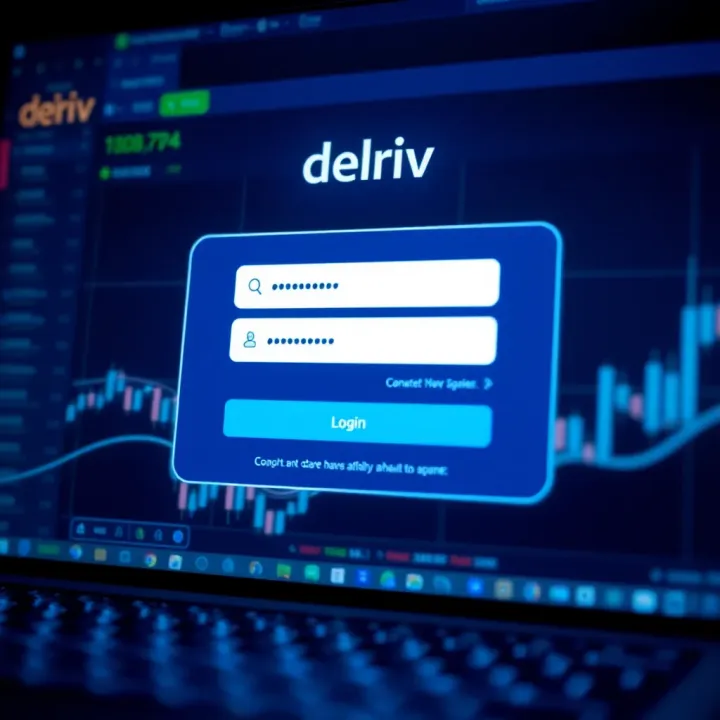
How to Access and Manage Your Deriv Account
🔐 Learn how to easily log in, recover your details, and manage your Deriv account settings. Stay secure and solve login issues smoothly in Kenya.
Edited By
Amelia Foster
Accessing your Deriv.com account efficiently is key for traders and investors who want to stay ahead in financial markets. Whether you deal with forex, CFDs, or other assets on Deriv, knowing the right steps to log in and manage your account can save you time and avoid unnecessary frustrations.
Deriv.com serves thousands of users worldwide, including a growing number of Kenyan traders who rely on its platform for smooth trading. This guide walks you through the login process, tips for handling common issues like forgotten passwords, and practical security measures. You’ll also find pointers on managing your account settings effectively, so you can focus on making informed trading decisions.
Before we get into details, here are the essentials you need:
A reliable internet connection through Safaricom, Airtel, or any Kenyan ISP.
Valid Deriv.com login credentials (email and password).
A device – desktop, laptop, or mobile browser.
Remember: Your Deriv.com login details are your gateway to trading funds and controls. Guard them carefully to prevent unauthorised access that can compromise your portfolio.
This introduction sets the stage for easy navigation and safe handling of your Deriv.com account. In Kenya, many users interact with online platforms via mobile, so knowing how to manage logins smoothly even on smaller screens or slower networks is particularly useful.
In the sections ahead, you’ll find step-by-step instructions and actionable tips that tackle the realities of trading from Nairobi, Mombasa, or Kisumu. This way, no matter if you’re managing your portfolio between matatu rides or from the comfort of your home, your Deriv account access stays hassle-free and secure.
Accessing your Deriv.com account smoothly is the first step towards effective trading or investment management on the platform. Whether you are monitoring forex pairs, commodities, or indices, a quick and secure login saves time and reduces stress. This section guides you through the precise steps to get started, ensuring you avoid common pitfalls and maintain secure access.
Begin by opening your preferred browser and navigating to the official Deriv.com login page. It’s important to type the URL correctly or use a trusted bookmark to avoid phishing sites that mimic Deriv. For instance, a trader in Nairobi might save the official login page for convenience and quick access during busy market hours. Using a supported browser like Google Chrome or Firefox improves compatibility and speeds up the process.
Once on the login page, enter the email address or username you registered with. This step must be accurate—any mistake can lead to failed login attempts or delay. For example, if your registered email is your work address, double-check before you hit enter. A mix-up between personal and professional email could cause confusion, particularly when tracking trade notifications.
Next, type your password carefully. It’s best to use passwords stored in secure password managers rather than typing them from memory to avoid typos that can lock you out. Since Deriv deals with financial assets, strong passwords help protect your investments from unauthorised access. Remember, passwords are case sensitive, so ensure Caps Lock is off unless needed.
Deriv may require additional verification, such as a one-time password (OTP) sent through SMS or email. This provides an extra security layer to confirm that you are the legitimate account holder. For example, even if a fraudster guesses your password, they can't get past the OTP without your phone. Always keep your contact details updated on Deriv to receive these important verification codes.
Deriv offers a ‘Remember Me’ checkbox on the login page, which allows the browser to keep you logged in for subsequent sessions without entering credentials again. This feature is handy for traders who monitor markets frequently throughout the day as it reduces repetitive logins. For example, a portfolio manager working late into the night might find this feature a real time-saver when switching between devices.
While staying logged in is convenient, it carries some risks, especially on shared or public devices. If you use a public internet café or a friend’s computer, you risk unauthorised access. However, at home or on a personal laptop secured with a strong password, the benefits—speedy access and uninterrupted trading—outweigh the risks. Always balance convenience with security, and log out manually when using unfamiliar devices.
Keeping a smooth and secure login routine helps you focus on the market rather than troubleshooting access problems.
With these straightforward steps and considerations, accessing your Deriv.com account becomes a hassle-free part of your daily trading or investment routine.

In any online trading platform like Deriv.com, smooth access to your account is vital for timely decisions and actions. Login troubles can disrupt trading activities and cause frustration. That's why understanding common login issues and how to fix them quickly is a must for traders, investors, and financial professionals alike. Knowing practical solutions helps you avoid delays and safeguard your ventures.
If you forget your Deriv.com password, requesting a reset link is straightforward and fast. From the login page, click on the ‘Forgot Password’ option and enter your registered email. Deriv will then send you a link that allows you to set a new password. This step ensures only the account owner can change access details, keeping your account secure.
Once you receive the reset link, creating a strong, secure password is crucial. Use a combination of uppercase and lowercase letters, numbers, and symbols to make it harder to guess. Avoid obvious passwords like birthdates or simple sequences. Remember, a strong password reduces the risk of unauthorised access, which is especially important when handling sensitive financial data.
Several reasons can cause your Deriv account to be locked or disabled, including multiple failed login attempts, suspicion of suspicious activity, or regulatory compliance checks. For example, if you enter the wrong password repeatedly over a short period, the system may automatically lock your account to protect it from brute force attacks.
To unlock your account, contacting Deriv customer support promptly is key. Use the official support channels provided on their website to verify your identity safely. Explaining your situation clearly and providing any required documents will speed up the unlocking process, allowing you to get back to trading without unnecessary delays.
Sometimes, login problems on Deriv.com arise due to browser-related issues. Cookies and cache can accumulate old information that interferes with the site's functionality. Deleting these data chunks often resolves unexpected errors, such as login failures or page loading glitches, refreshing your browser’s connection with the site.
Using a supported browser is also important for uninterrupted access. Deriv.com generally works best on up-to-date versions of browsers like Google Chrome, Mozilla Firefox, Microsoft Edge, or Safari. Using outdated or unsupported browsers may lead to compatibility problems, affecting security features and overall user experience.
It’s good practice to keep your browser updated and clear cache regularly, particularly if you trade frequently or switch devices often.
By addressing these typical hurdles, you can maintain steady access to your Deriv.com account and focus on your trading strategies with minimal interruptions.
Maintaining robust security for your Deriv.com account isn't just good practice—it protects your investments and personal data from falling into the wrong hands. Traders, investors, and brokers often deal with large sums and sensitive information, so keeping an account secure prevents financial loss and identity theft. Beyond just password protection, layered security measures help minimise the risk of unauthorised access, which can be devastating in volatile markets.
Using a mix of characters is essential for crafting a strong password. This means combining uppercase and lowercase letters, numbers, and special characters like @, #, or $. For example, a password like "D3riv@2024!" is far stronger than something simple like "deriv123". This diversity in characters makes it harder for automated hacking tools, such as brute force or dictionary attacks, to crack your password.
Strong passwords should also be unpredictable. Avoid using common words, personal information (like your birthday), or sequences such as "1234" or "abcd". Instead, try mixing unrelated words with numbers and symbols. For instance, "Sauti$imba45" could remind you of your favourite song while remaining difficult to guess.
Avoiding common passwords is equally critical. Many users default to passwords like "password", "123456", or "qwerty", which hackers attempt first due to their popularity. Using these puts your account at immediate risk. Studies show that millions of accounts get compromised simply because of weak or reused passwords.
To steer clear of this pitfall, never reuse your Deriv.com password on other platforms. If one site is breached, attackers might try the same credentials elsewhere. Always create a unique password for Deriv.com to limit exposure.
Setting up 2FA on your account adds an extra layer beyond just your password. Typically, this involves linking your account to an authenticator app (like Google Authenticator or Authy) or receiving a code via SMS. After entering your password, Deriv.com will prompt for this one-time code, which changes regularly.
Setting up 2FA is straightforward. You only need to scan a QR code in the security settings of your Deriv.com profile with your authenticator app or verify your mobile number for SMS codes. Once active, this step ensures that even if someone guesses or steals your password, they still can't get in without that second factor.
Benefits of two-factor authentication go beyond just preventing unauthorised access. It significantly reduces the chances of account takeover since hackers would need physical access to your mobile device or authenticator. For traders handling large portfolios, this protection translates to peace of mind.
2FA also helps satisfy regulatory or compliance requirements seen in many financial services. If you access Deriv.com from public networks or shared computers—in cybercafés or internet hubs across Nairobi—2FA guards against session hijacks or stolen passwords.
Remember, the more layers of security you use, the tougher it becomes for attackers. Combining strong passwords with 2FA is your best bet to keep your Deriv.com account safe in Kenya’s evolving cyber landscape.
Use these tips to build a solid defence around your account and trade confidently without worrying about security breaches.
Managing your Deriv.com account settings is essential for staying in control of your trading activities and protecting your personal information. Regularly updating your details and notification preferences keeps your account current and responsive to your needs. This is especially important for traders and investors who rely on timely alerts and secure communication to make informed decisions.
Changing your email or phone number: Keeping your contact details up to date on Deriv.com ensures you receive critical account alerts, password reset codes, and trade notifications without delay. For instance, if you switch your mobile number to a new Safaricom line or change your email provider, updating this information stops you from missing notifications that could affect your trading or account security.
Neglecting to update these details can lead to access problems or missed communications. Deriv.com allows you to change your email or phone number within the account settings section, but you must complete verification steps to confirm ownership of the new contact point.
Editing profile details safely: Besides contact information, maintaining accurate profiles such as your full name, address, and country of residence is crucial. This information is often required for compliance with anti-money laundering (AML) and know your customer (KYC) regulations. For example, if you relocate from Nairobi to Mombasa, updating your address in Deriv ensures your account complies with location-specific regulatory requirements.
Make sure to update such details only through the official account settings page and avoid sharing sensitive information over email or chat. Always use a secure internet connection to guard against interception.
Controlling email alerts: Deriv.com sends various email notifications, including trade confirmations, promotional offers, and security alerts. Managing these preferences helps you avoid unnecessary email clutter. You might want to switch off marketing emails but keep security notifications active to promptly respond to unusual account activity.
Customising email alerts also helps traders focus on relevant information, avoiding distractions during intense trading sessions or market volatility. This way, you receive only essential communications that affect your portfolio.
Managing push notifications: For users who rely on the Deriv mobile app or mobile browser, push notifications offer instant updates on trades, market movements, and account changes. Adjusting these alerts allows you to control the frequency and type of notifications you get.
If you are trading while on the go or using a stable Wi-Fi connection, push notifications keep you informed in real time. However, you might want to reduce the volume during off-hours to avoid interruptions at night or during meetings. Deriv’s settings let you tailor these alerts according to your schedule and priorities.
Regularly reviewing and managing your account settings on Deriv.com supports better privacy, enhances your trading experience, and keeps you connected to crucial updates, whether on desktop or mobile.
By paying attention to these settings, Kenyan traders and investors not only safeguard their accounts but also stay sharp in a fast-moving market environment.
Mobile access to Deriv.com is vital in Kenya where many traders and investors rely on mobile networks to manage their financial activities while on the move. Whether you are commuting in a matatu, waiting in a queue, or simply away from your desktop, a reliable mobile option ensures you can check market updates, place trades, or adjust your portfolio anytime. Mobile accessibility boosts flexibility and helps users respond quickly to market changes.
Logging in via mobile browsers is straightforward and does not require installing any app, which is useful when device storage is limited. You simply open your preferred browser—Safari on iPhones or Chrome on Android phones—and visit the Deriv.com login page. The site is optimised for mobile, so the layout adjusts neatly to small screens, making it easy to fill out your username and password fields.
Ensure you have a stable internet connection, whether through mobile data or Wi-Fi, to avoid interrupted sessions. It’s particularly helpful for those using fluctuating network signals in rural or suburban areas, allowing easy access without needing a fast or fixed broadband connection.
Mobile browser compatibility tips help you avoid login troubles. Deriv.com works best on updated browsers like Google Chrome, Mozilla Firefox, Safari, or Opera. Older browsers or less common ones may cause display issues or failed logins. Clearing your browser cache regularly also helps maintain smooth access.
Turn off data-saving modes or extensions that limit scripts running on webpages; these can sometimes block the login process or essential features on Deriv.com. Switching browsers temporarily can help identify if the problem is browser-specific.
For a more tailored and faster trading experience on mobile, the Deriv app is available for both Android and iOS. Download the app directly from the Google Play Store or Apple App Store. Installing the app is straightforward and allows you quicker access without navigating through the browser each time.
Since the app is designed specifically for mobile devices, it uses less data and is optimised to reduce battery drain, which matters for users in Kenya where mobile data and power availability can sometimes be limited. It also pushes notifications better than a browser, keeping you alert to price movements or account alerts promptly.
Logging into the app and managing your account is simplified. You use the same login details as on the website. The app’s interface consolidates your portfolio, deposits, and withdrawals in one place, making it easier to manage positions and account settings on the fly. Moreover, biometric options like fingerprint or face recognition on smartphones may speed up login while keeping your account secure.
Accessing Deriv.com on mobile ensures you stay connected to your investments wherever you are. Choosing between the mobile site and app depends on your device capacity and how actively you trade.
In sum, whether you rely on the mobile browser for occasional checks or prefer the dedicated Deriv app for continuous trading, both options have their place and support traders across Kenya’s diverse mobile environment.
🔐 Learn how to easily log in, recover your details, and manage your Deriv account settings. Stay secure and solve login issues smoothly in Kenya.

🔐 Learn how to securely log into your Deriv account in Kenya with step-by-step tips, troubleshoot access issues, and manage your profile easily.
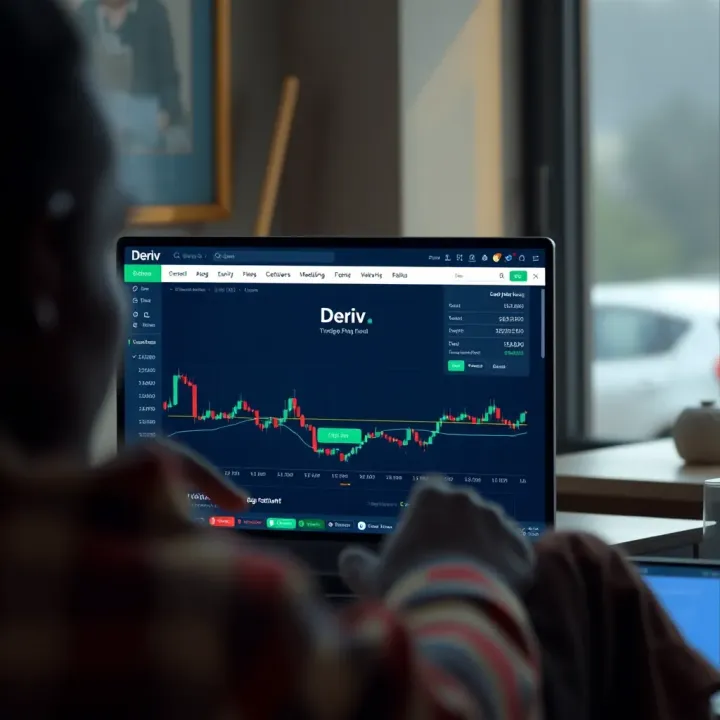
📈 Learn how Kenyan traders can easily log in to their Deriv real account, understand different account types, ensure security, troubleshoot common issues, and make the most of trading features.
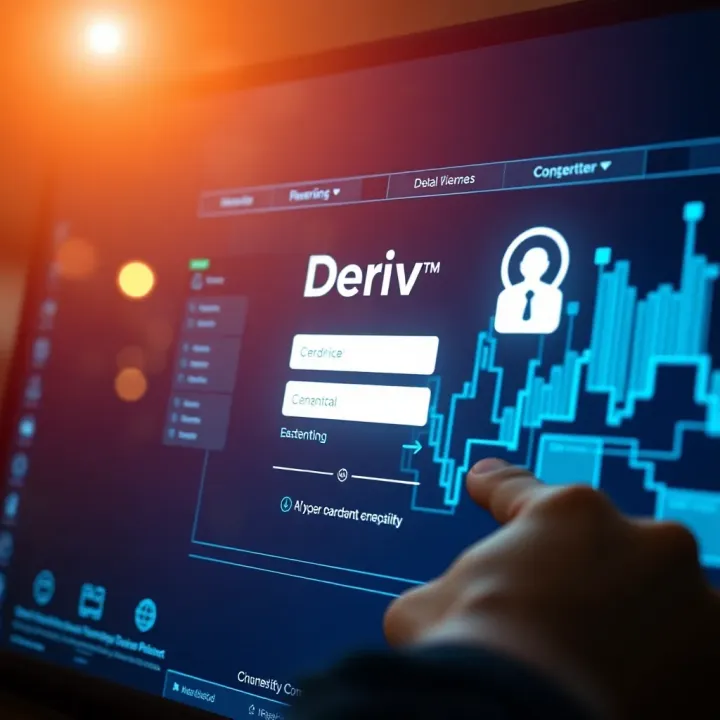
🔐 Learn how to login and create your Deriv Com account smoothly. Get tips on fixing login issues, securing your data, and using features after sign-in.
Based on 11 reviews